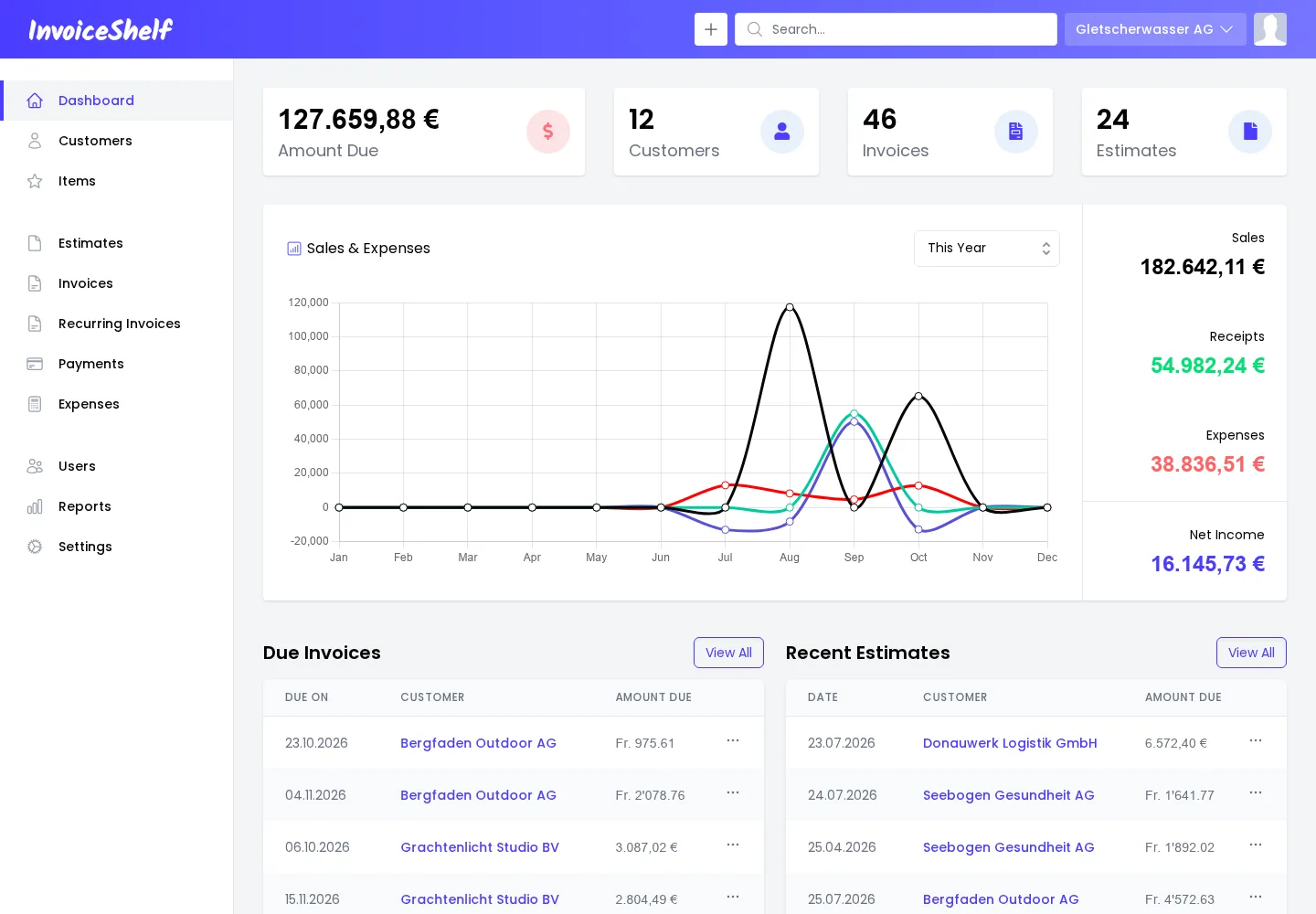
Dashboard. Open amounts, numbers of customers, invoices, and estimates, a yearly sales and expenses chart, and due invoices.
Invoices & Estimates
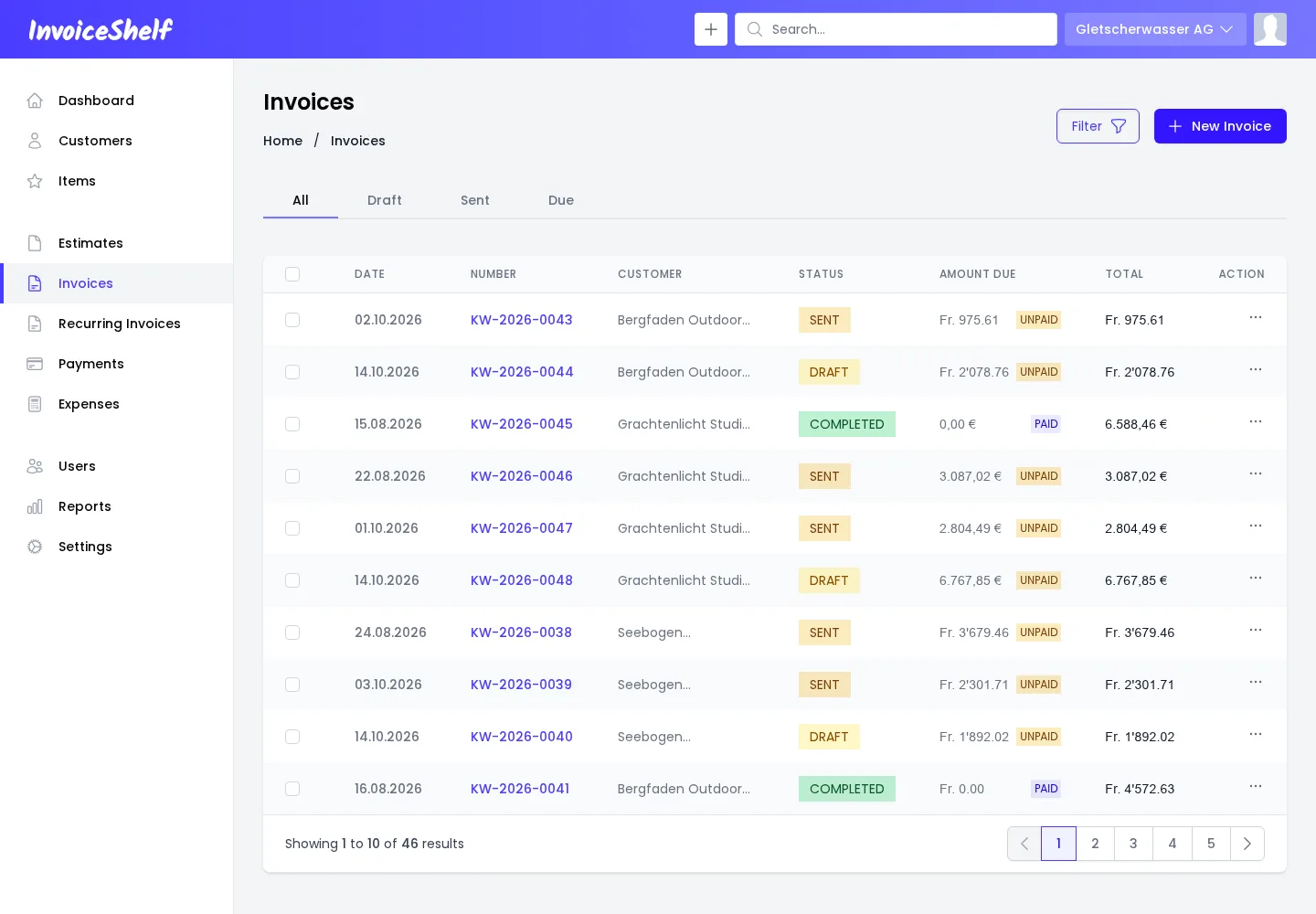
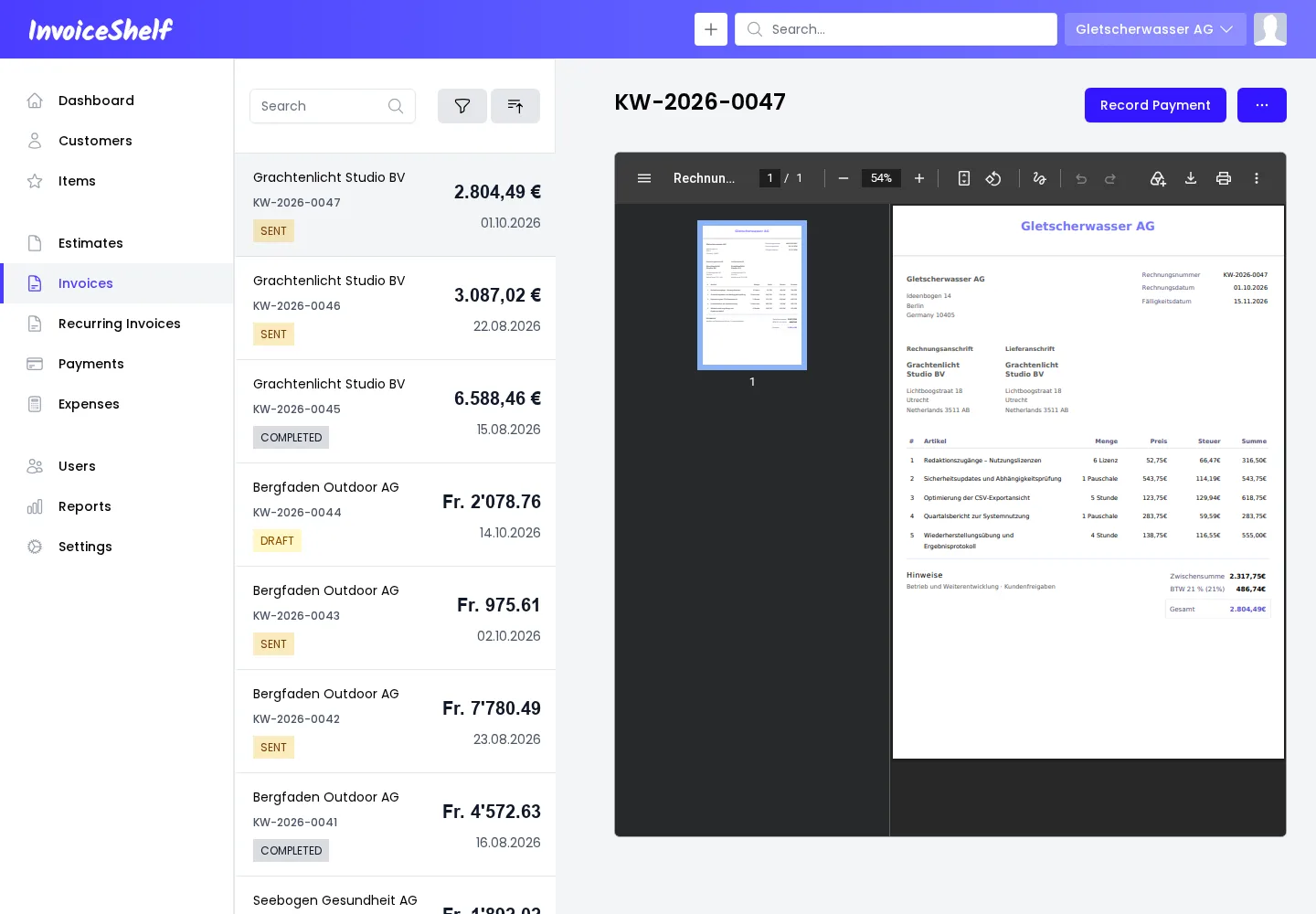
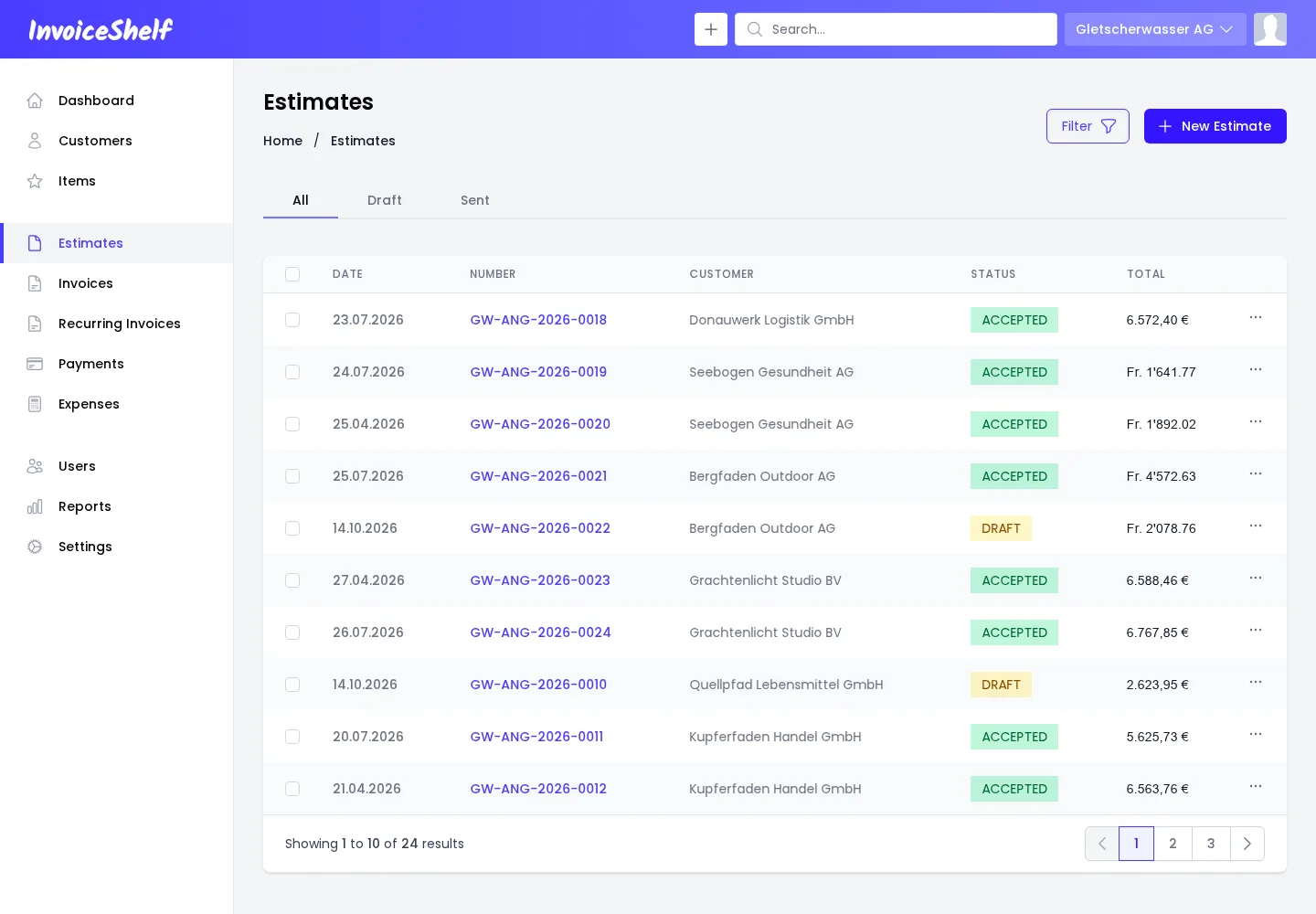
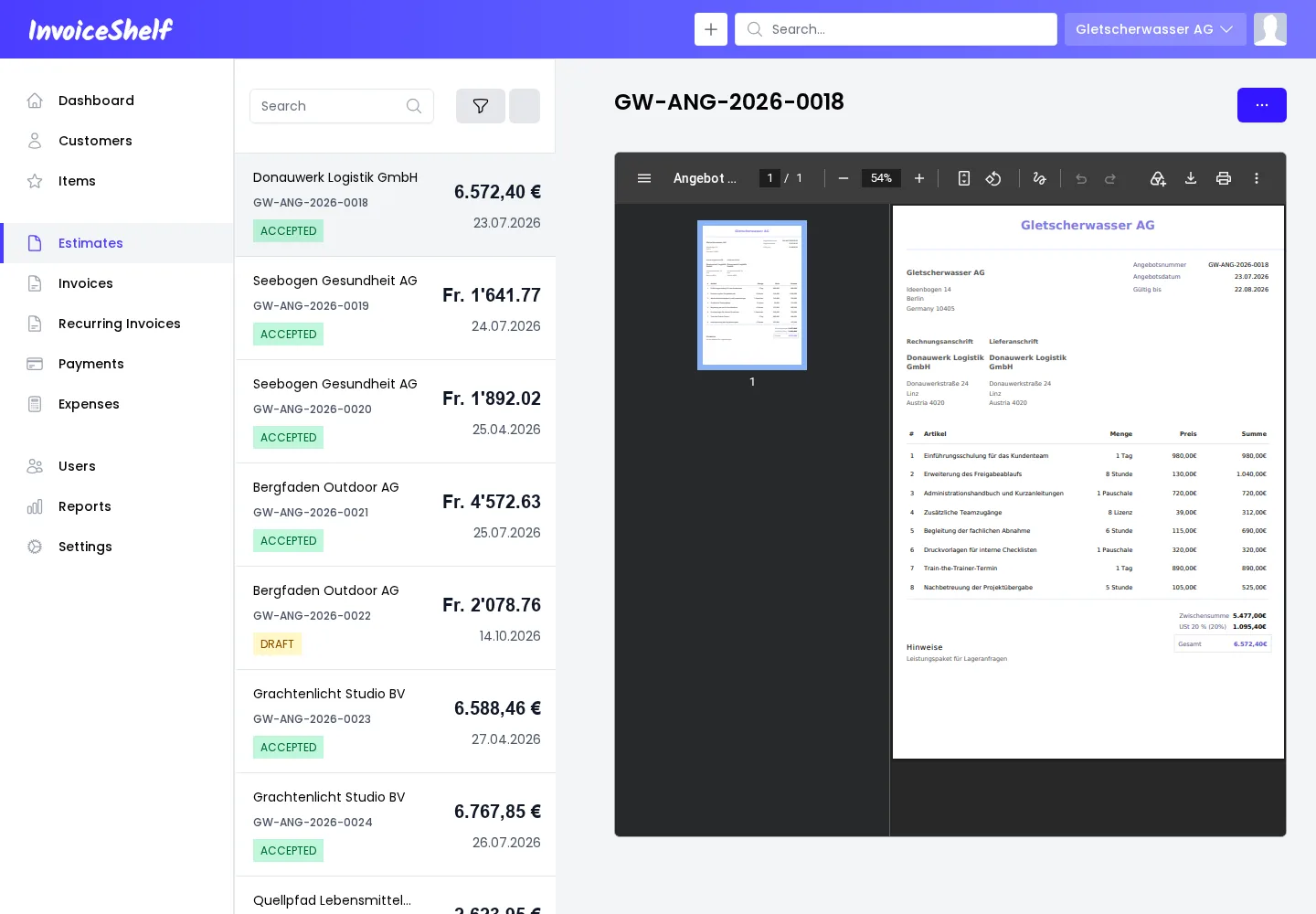
Invoices. Invoice list with status, amount due, payment status, and total.Invoice details. Invoice list next to the PDF preview of the selected invoice.Estimates. Estimates with customer, status such as accepted or draft, and total.Estimate details. Estimate list with status next to the PDF preview of the selected estimate.
Customers
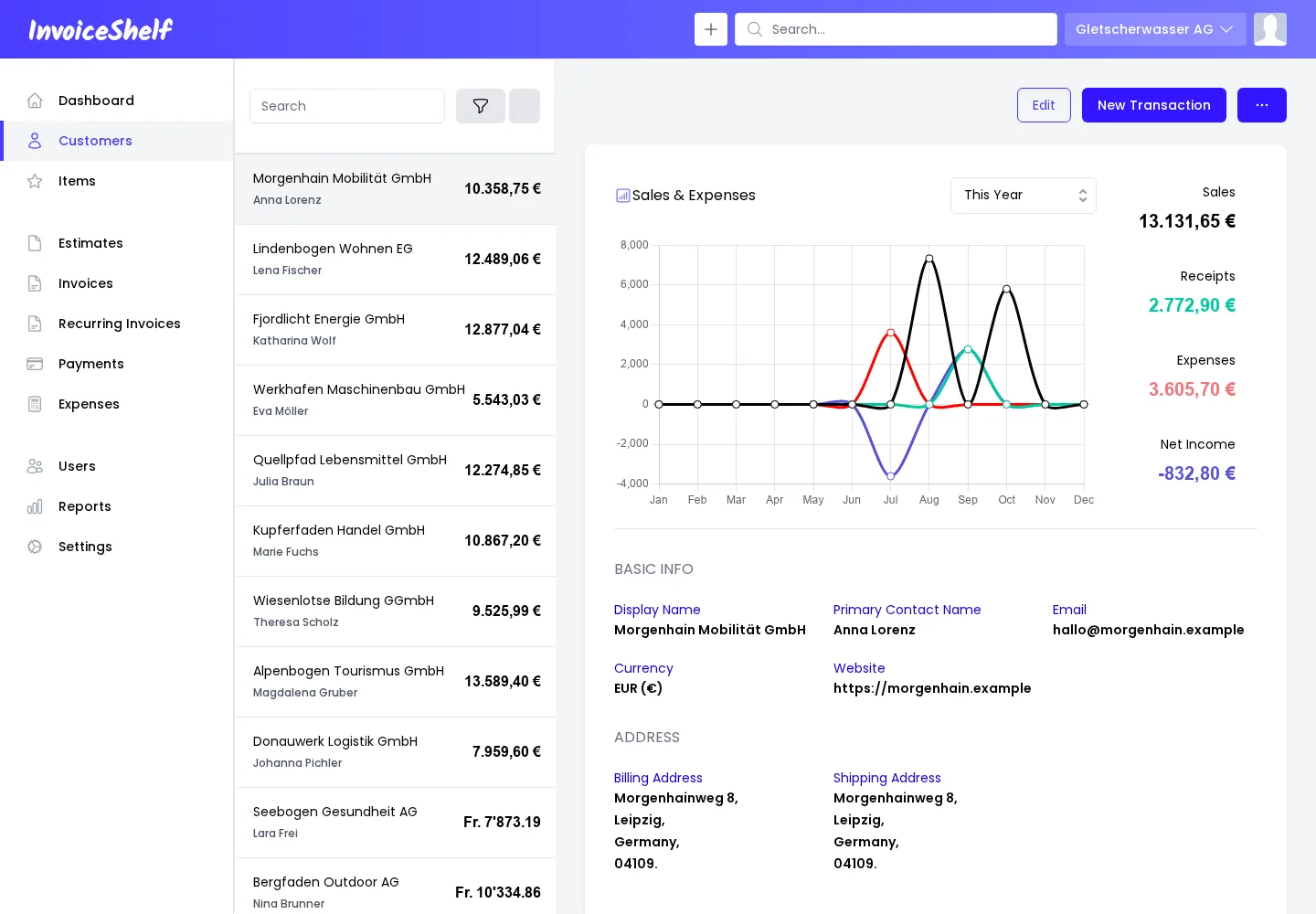
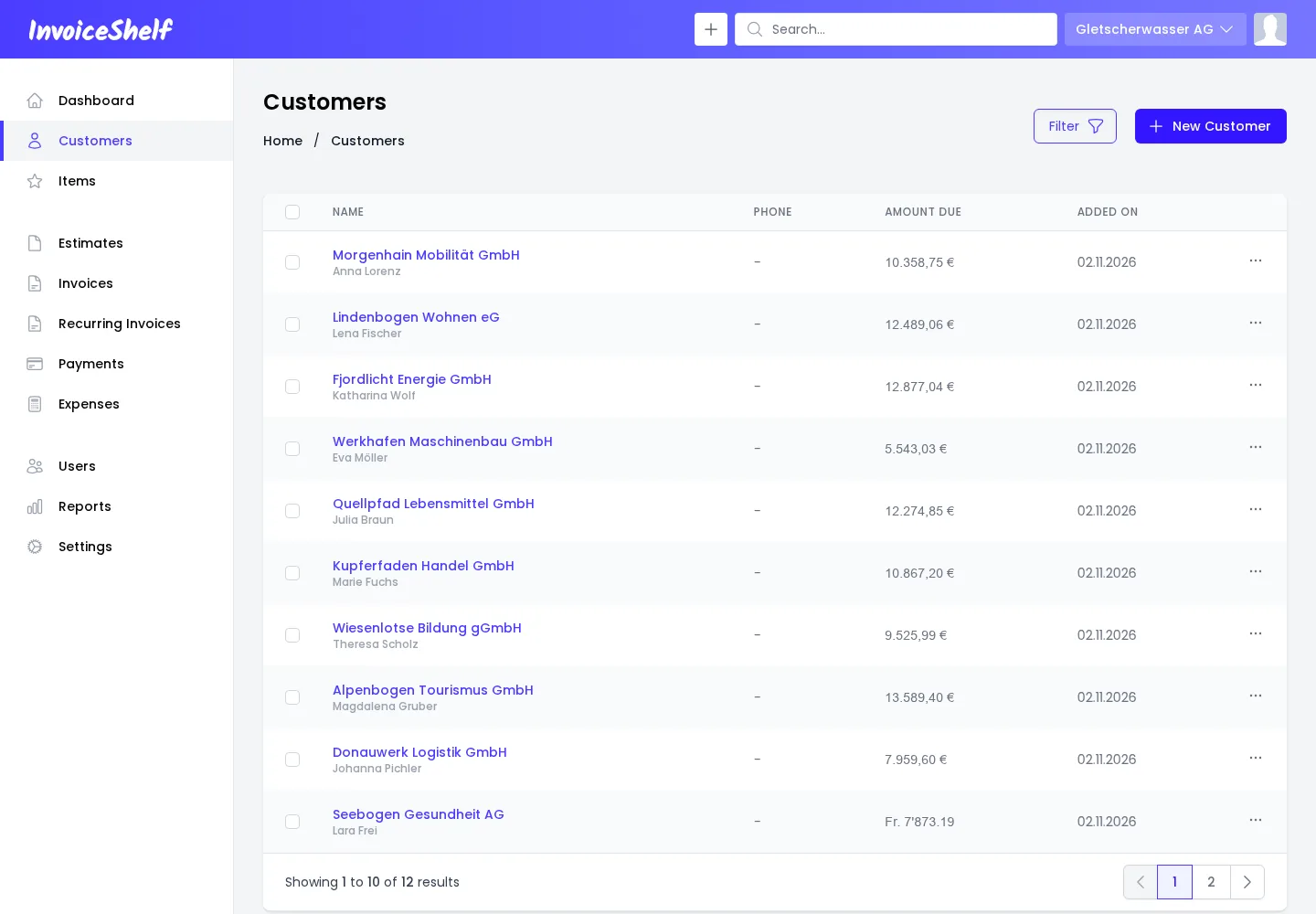
Customer details. A customer's sales and expenses chart, totals, and contact and address details.Customers. Customer list with contact person, amount due, and creation date.
Payments & Expenses
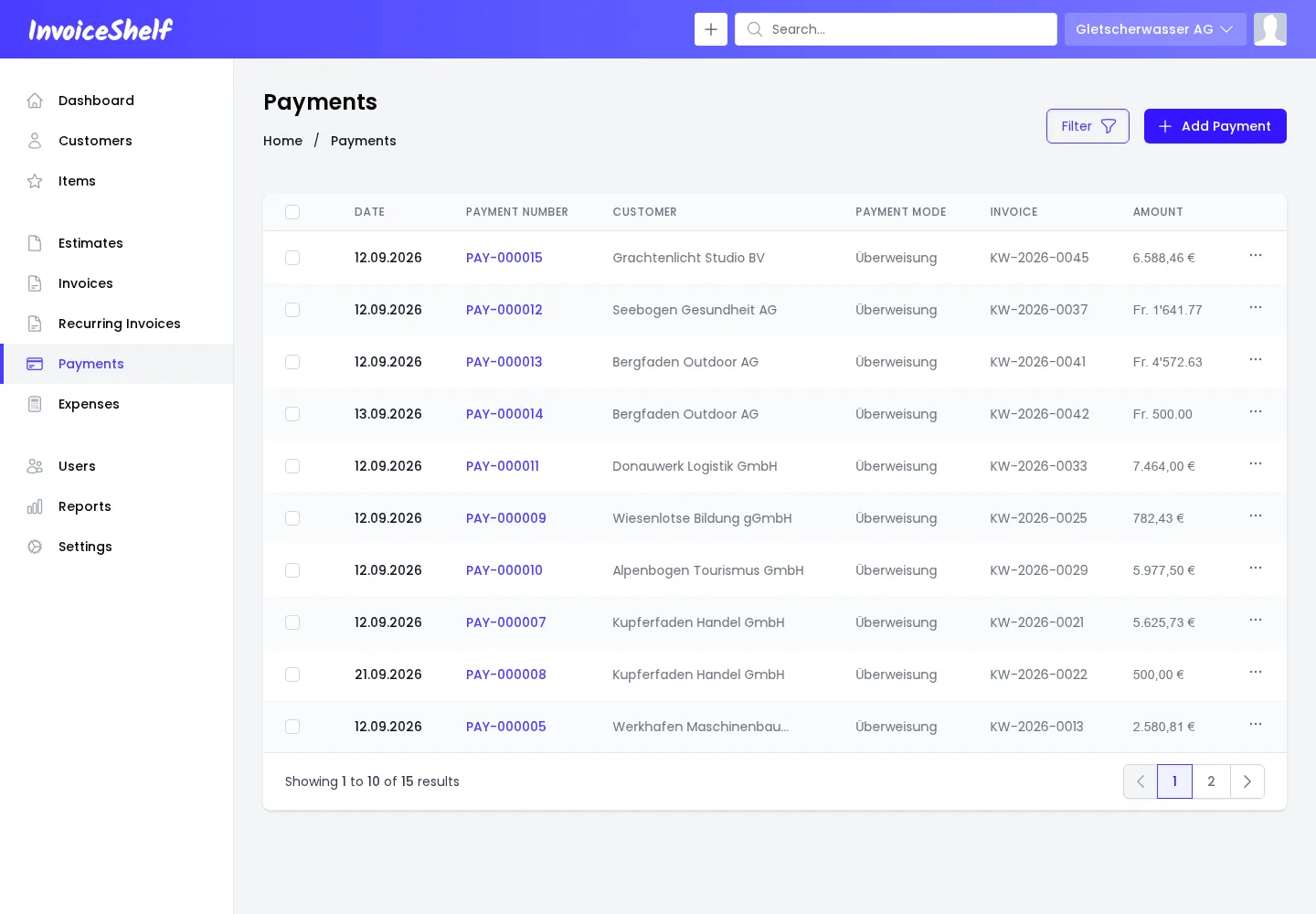
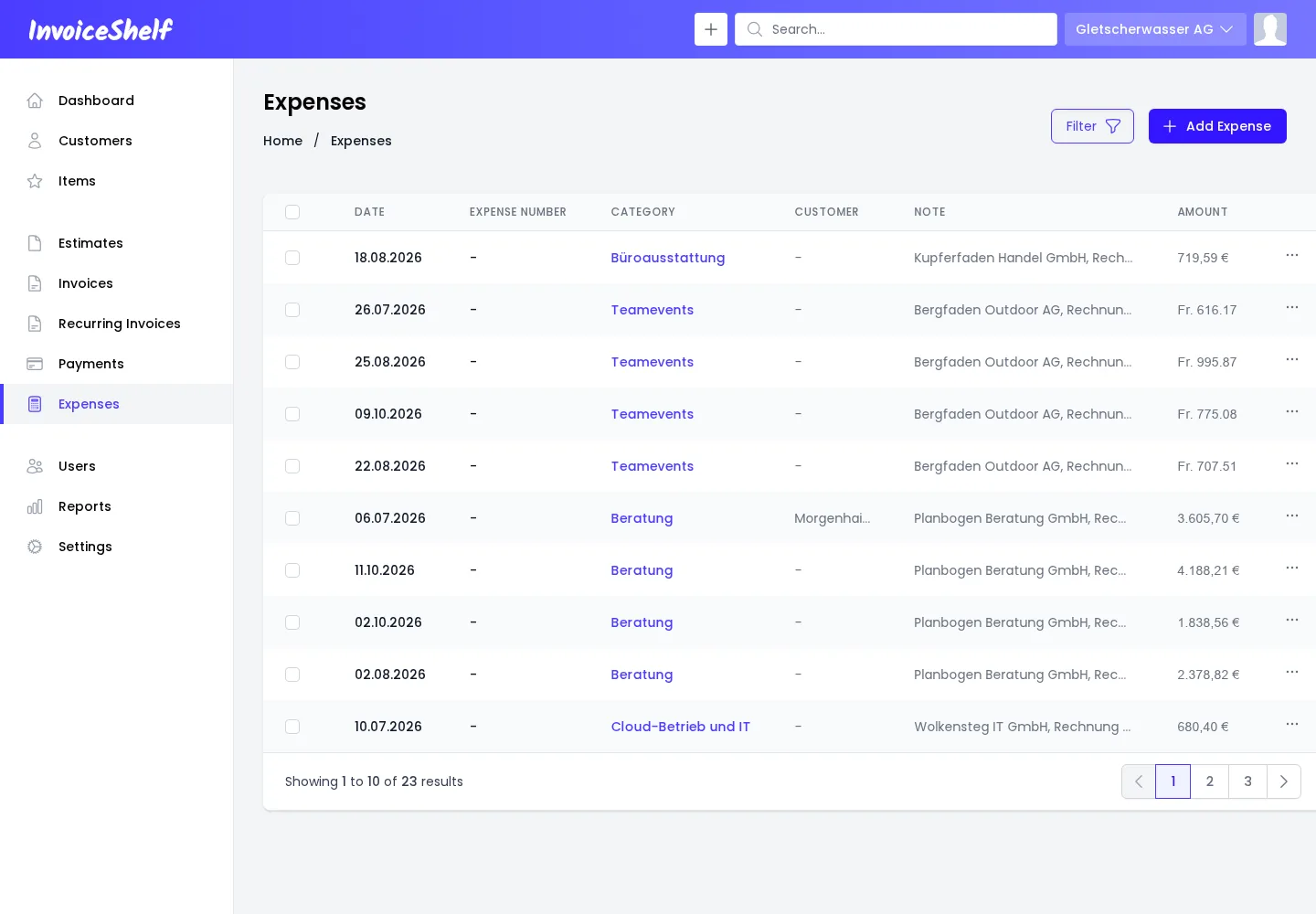
Payments. Received payments with payment number, customer, payment mode, linked invoice, and amount.Expenses. Expenses with date, category, note, and amount.